Describe or upload
Say what you need: a product on a clean background, a lifestyle scene, a social graphic. Upload a product photo or brand assets so the output matches you.
Most image generators give everyone the same look. Resleeve researches your market and brand first, then generates product shots, ad creative, social graphics and lookbook images that actually look like yours. Describe the shot, or edit one you already have, and iterate until it is right.
Each image below was generated with Resleeve, styled to a brand rather than a generic default.
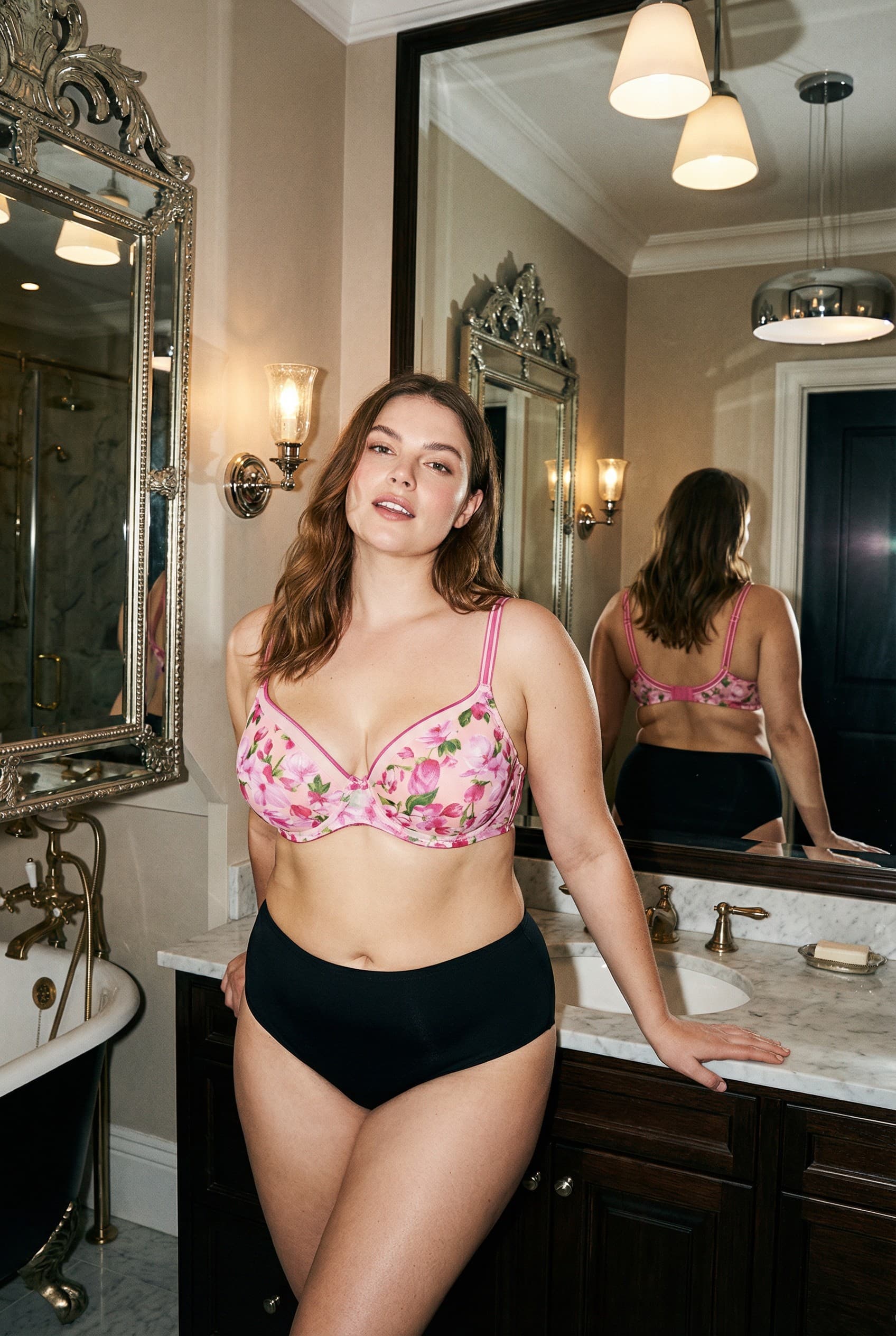
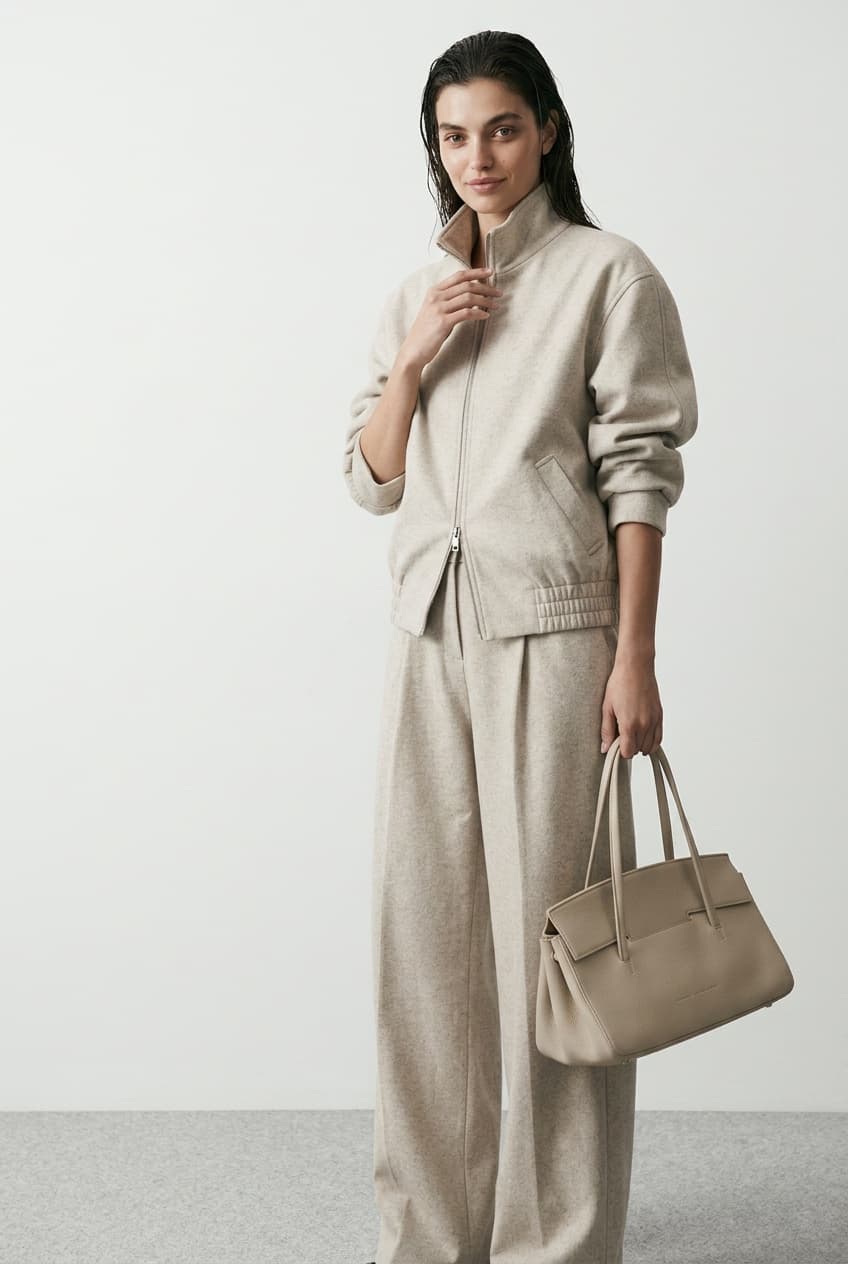
An AI image generator creates pictures from a text description instead of a camera or a designer. Resleeve adds a brand layer: it studies your products, style and market, then generates images in your look rather than a generic model default. It also edits images you already have, and sits in the same studio as your video, music and apps, so a product shot you make can flow straight into an ad or a page.
Say what you need: a product on a clean background, a lifestyle scene, a social graphic. Upload a product photo or brand assets so the output matches you.
It researches your market and brand, then generates options in your style with its image models. You pick the direction that fits.
Refine in plain English: change the background, swap the angle, restyle the scene. Then export in the sizes you need for ads, product pages and social.
The same generator covers the shots a brand actually ships, all in a consistent look.
Clean studio shots and styled scenes of your product, without booking a photographer or a set.
Dozens of on-brand ad variations for paid social, built around the same product and message.
Your product in real-world scenes and seasonal settings that match your brand world.
Posts, banners and announcement images sized for every platform, in your colors and type.
Change backgrounds, remove objects, restyle or extend an existing photo by describing the change.
Consistent sets of images across a whole product range, ready for a page or a deck.
Look
Trained on your products, style and market, so images match your brand.
The same default aesthetic everyone else gets from the same prompt.
Editing
Generate new images and edit existing ones in the same place, by describing the change.
Generation only, or a separate editor with its own learning curve.
At scale
Dozens of consistent, on-brand variations from one setup.
Each image is a fresh prompt with no guarantee of consistency.
The rest of the studio
Images drop straight into the video, ads and apps you build in Resleeve.
Export files and move them between disconnected tools.
An AI image generator creates images from a text description instead of a camera or a designer. You describe what you want and the model produces it. Resleeve is a brand-trained version: it studies your brand and market first, so the images come out in your look rather than a generic default, and it can also edit images you already have.
A standard generator gives everyone the same aesthetic from the same prompt. Resleeve researches your products, style and market and generates in that context, so product shots, ads and social graphics look like they belong to your brand and stay consistent across a whole set.
Yes. As well as generating new images, Resleeve edits existing ones: change or remove backgrounds, restyle a scene, extend a shot or adjust details, all by describing the change in plain English.
Product photography, ad creative, lifestyle and campaign images, social graphics, lookbooks and catalogs. You own what you generate and can use it commercially, including in paid advertising.
Resleeve runs several leading image models under the hood and picks the right one for the job, so you get strong results without choosing a model yourself. The focus is the output in your brand’s look, not the model name.
Yes. You own full commercial rights to the images you create with Resleeve, including images used in ads and on product pages.
Yes. You can start free without a credit card and generate your first images on the free tier. Paid plans scale with how much you produce.
The image engine is one part of the studio. See how it combines with video, apps and agents for your kind of work.
Product photography and ad creative at catalog scale.
On-brand thumbnails, posts and social graphics.
Dozens of client-branded ad variants per day.
Listing visuals and styled scenes from a brief.
Or see everything the studio does on the features overview.
Start free, no credit card. Describe the shot you need and watch it come out in your look.