Describe the video
Say the topic, the title and the feeling. Add your face or a key image if it should feature.
Describe your video and Resleeve generates thumbnails built to be clicked: a bold focal point, your face if you want it, and big readable text, on brand and sized for YouTube and Shorts. Spin variations to test, no design software needed.
Generated inside Resleeve from a video idea, bold and readable at any size.
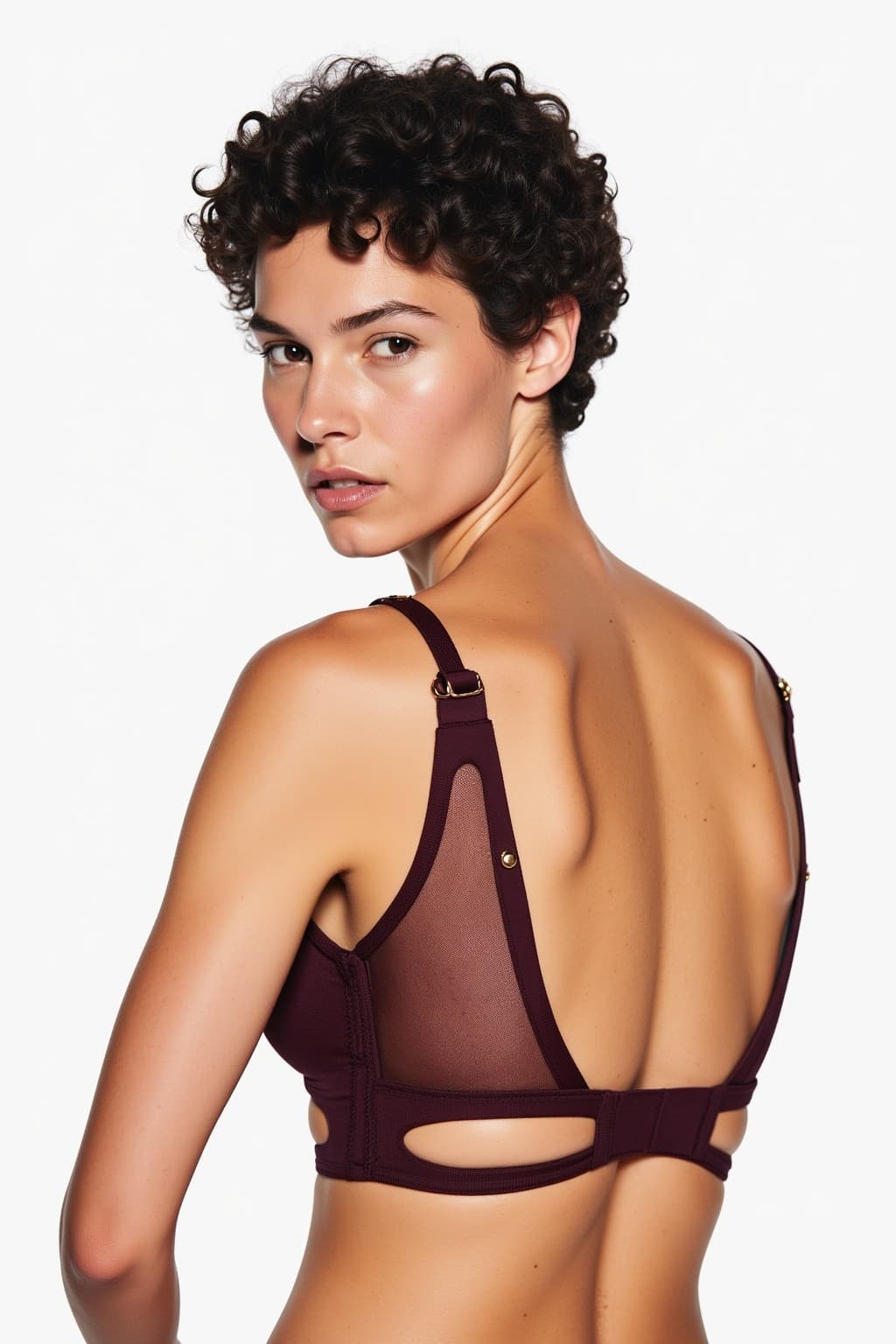
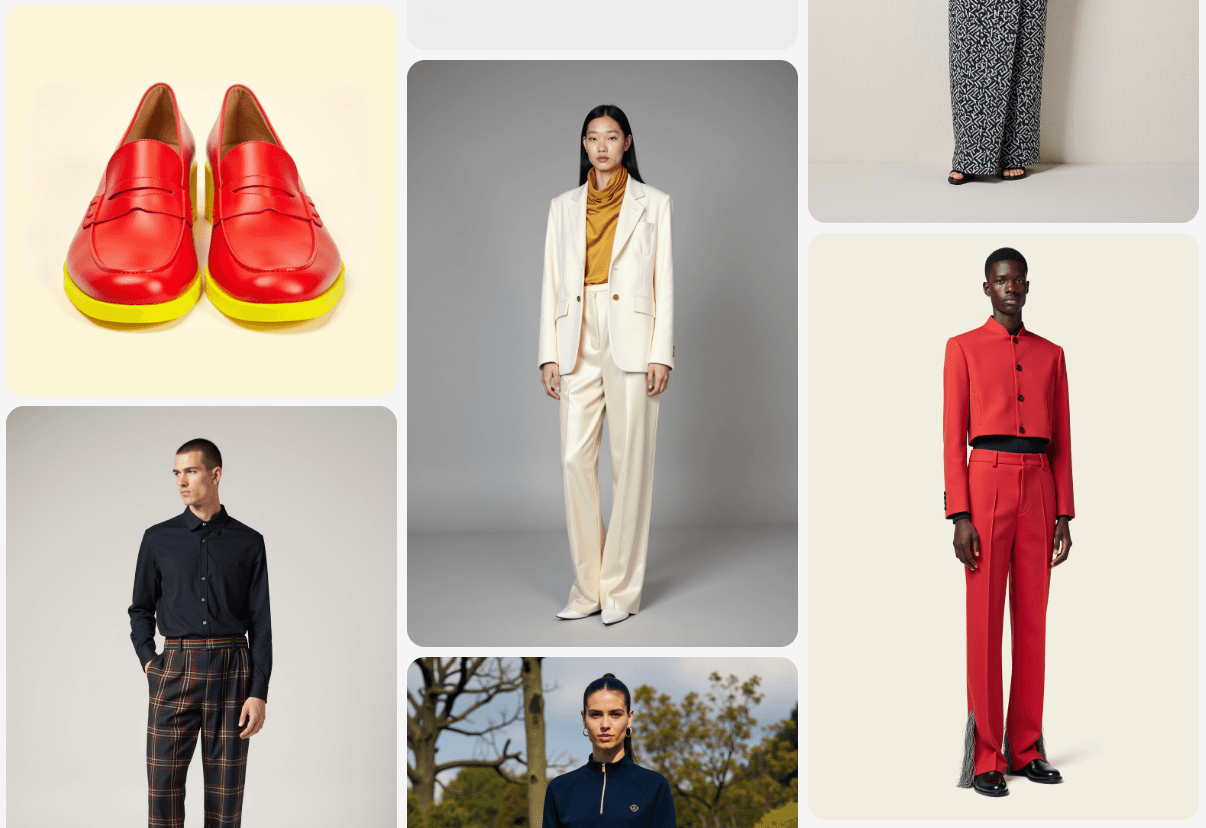
An AI thumbnail maker generates video thumbnail images from a description instead of designing them in an editor. You say what the video is about and it produces bold, readable thumbnails with a focal subject and text. Resleeve does this on brand and in the same studio as the video itself, so the thumbnail matches the content and you can test variations and reuse a winning style.
Say the topic, the title and the feeling. Add your face or a key image if it should feature.
It generates thumbnails with a strong focal point, bold readable text and your brand colors, sized for the platform.
Get variations to A/B test, tweak the text or layout in plain English, then download ready to upload.
The thumbnail styles that actually earn clicks, generated and ready. A few:
Your expression plus a punchy few words, the format that performs on YouTube.
A single strong visual idea that reads instantly at small sizes.
A consistent look across an episode series so your channel feels coherent.
Vertical covers sized and framed for short-form feeds.
Several takes on the same video so you can test which earns the click.
Comparison and reveal layouts for tutorials and transformations.
Starting point
A video idea. The layout, visual and text are generated for you.
A blank template you design element by element.
Brand fit
Your colors and style, consistent across a series.
A generic template look to restyle each time.
Testing
Variations to A/B test from one brief.
One thumbnail at a time, rebuilt by hand.
Connected
Made alongside the video and channel content in the same studio.
A separate editor, disconnected from the video.
An AI thumbnail maker generates video thumbnail images from a description instead of designing them by hand. You say what the video is about and it produces bold, readable thumbnails. Resleeve does this on brand and in the same studio that makes the video.
Yes. Add a photo of yourself and Resleeve can feature your face with an expression and text, the format that performs best on YouTube.
Yes. Resleeve generates several takes on the same video so you can A/B test which thumbnail earns the most clicks.
Yes. Resleeve uses your colors and style so a series of thumbnails looks consistent and recognizable as your channel.
Thumbnails are sized for YouTube and for vertical Shorts and Reels covers, so each fits where it is published.
A template editor makes you design each thumbnail from blocks. Resleeve generates the whole thumbnail from your video idea, gives you variations to test, and keeps it consistent with the video and channel in the same studio.
Yes. You can start free without a credit card and generate your first thumbnails on the free tier. Paid plans scale with how much you produce.
The thumbnail maker is one part of the studio. See how it combines with video, images and the rest for your kind of work.
Thumbnails and A/B variations for every video.
Covers for Shorts, Reels and long-form.
Episode art and video-podcast covers.
Thumbnail sets for client channels.
Or see everything the studio does on the features overview.
Start free, no credit card. Describe the video and get click-worthy thumbnails back.