Upload the photo
Add the image you want to change. A product shot, a portrait, a scene, anything.
Upload a photo and tell Resleeve what to change: remove the background, delete an object, restyle the scene, retouch a portrait, extend the frame. It does the edit from your words, no layers, masks or selection tools, and keeps everything on brand.
Edited inside Resleeve by describing the change, no masks or layers.

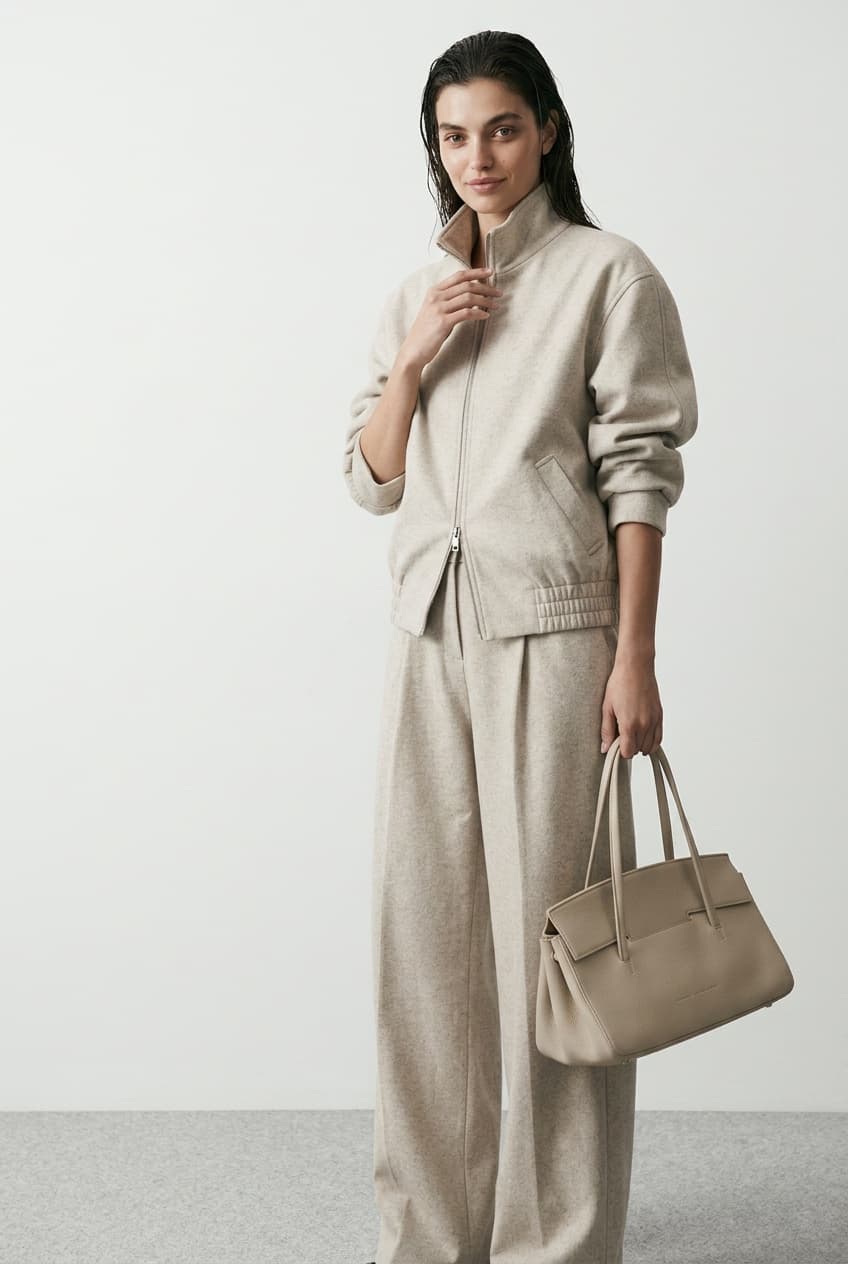
An AI photo editor changes an image from a text instruction instead of manual tools. You describe the edit and the model applies it: backgrounds, objects, style, lighting, retouching and more. Resleeve runs this in a full studio, so edits stay consistent with your brand and an edited photo can flow straight into an ad, a post or a product page, and you own the result.
Add the image you want to change. A product shot, a portrait, a scene, anything.
Say what to change in plain words: remove the background, swap the sky, delete the logo, make it brighter.
Resleeve applies the edit. Ask for another pass or a variation, then export at the size you need.
The edits that usually need a designer, done from a sentence. A few:
Cut out the subject or drop it onto a clean or new background in one step.
Delete a stray object, a logo or a blemish and let the scene fill in naturally.
Change the mood, season or lighting of a shot without a reshoot.
Clean, natural retouching for headshots and people shots.
Extend the edges of an image to fit a new aspect ratio or layout.
Correct color, crop and resize for the platform you are publishing to.
How you edit
Describe the change in words and it happens.
Select, mask and adjust by hand with layers and tools.
Skill
No editing skills or software to learn.
A steep learning curve and a paid app.
Brand
Edits stay consistent with your brand from the same studio.
Consistency is manual work on every file.
Connected
An edited photo flows into your ads, posts and pages here.
Export and move the file between tools.
An AI photo editor changes an image from a text instruction instead of manual tools. You describe the edit, such as removing a background or an object, and the model applies it. Resleeve does this in a studio that also generates images and makes your video and posts.
No. You describe the change in plain words and Resleeve handles it, so there are no layers, masks or selection tools to learn.
Yes. Remove a background, replace it with a clean color or a new scene, or swap the setting entirely, all from a description.
Yes. Resleeve can retouch portraits naturally and delete stray objects, logos or blemishes, filling the area back in to match the scene.
Yes. You own what you edit and generate with Resleeve and can use it commercially, including in ads and on product pages.
A manual editor makes you select, mask and adjust by hand. Resleeve applies the edit from a sentence, keeps it on brand, and lets the result flow into the ads, posts and pages you build in the same studio.
Yes. You can start free without a credit card and make your first edits on the free tier. Paid plans scale with how much you produce.
The photo editor is one part of the studio. See how it combines with image generation, video and the rest for your kind of work.
Clean up and restyle product shots at catalog scale.
Fast edits for thumbnails, posts and content.
Edit and retouch client assets without a designer queue.
Tidy listing photos and restyle interiors from a brief.
Or see everything the studio does on the features overview.
Start free, no credit card. Upload a photo and describe the change you want.